Steering Wheels in Bus Simulator 27
Popular wheels and gamepads are supported, but support is still being finished toward launch — check sensitivity before you blame the bus.
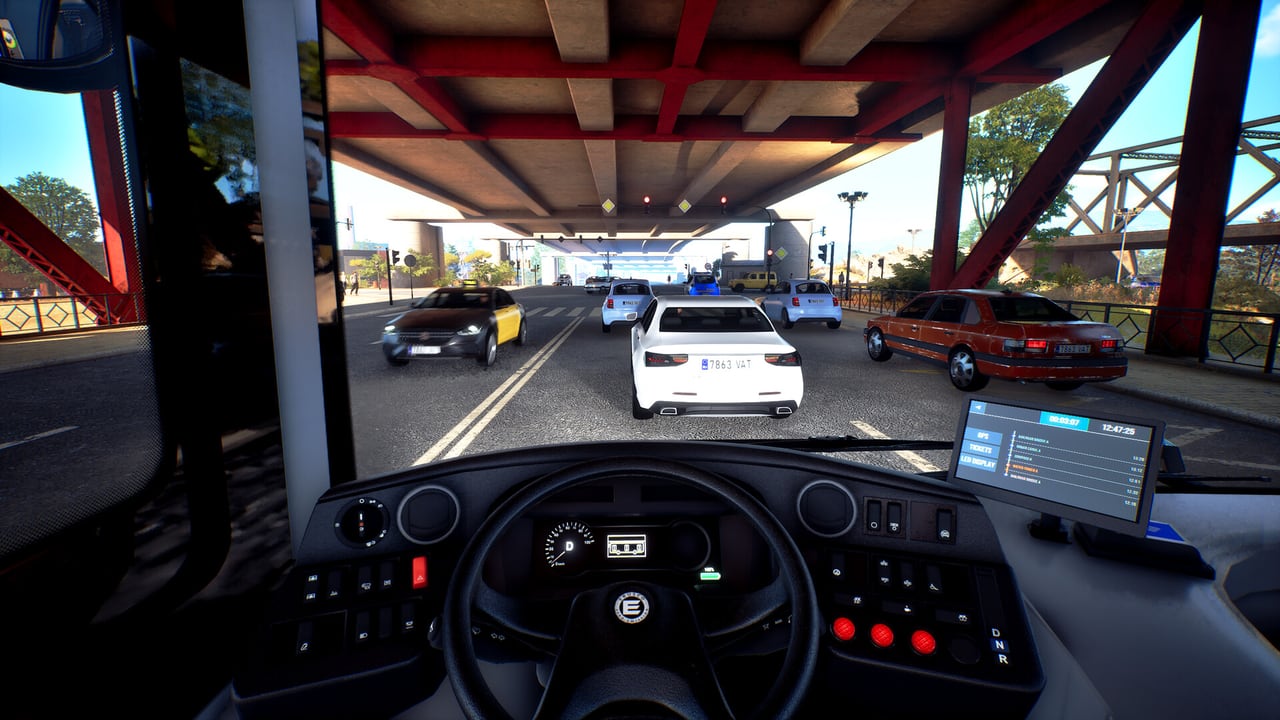
Bus Simulator 27 lists support for popular steering wheels and gamepads. That sentence is official. A finished, device-by-device compatibility matrix is not. Simteract has said wheel support is still work in progress on the road to the 8 September 2026 full launch: some devices already work fully, some only in part, and others are still getting prepared configurations. This page will not invent a yes/no grid that pretends otherwise.
If you only need key bindings, open the controls list. This page is about hardware: what the developers have actually said, what the 18 June 2026 demo patch changed, and what the community has been using in public videos.
Official status
From the demo-period notes:
- Popular wheels and gamepads are part of the feature set.
- Support is still being finished toward launch.
- A number of wheels already work; some fully, some partially.
- More devices are being implemented with prepared configurations before the full game.
- The developers suggest checking in-game settings and adjusting sensitivity (and related options) to taste.
- Eye tracking such as Track IR and Tobii has been described as planned for later, not as a launch-week wheel substitute.
That is the whole official promise. “Supported” here does not mean every USB racing wheel on your desk will have a perfect force-feedback preset on 3 September 2026, when Year 1 Advance Access begins.
Logitech G923 Xbox — the named demo-patch improvement
The 18 June 2026 demo patch is the one public wheel change this wiki will treat as hard fact. Alongside NVIDIA DLSS, AMD FSR, and fewer repeated story voice lines, that patch improved Logitech G923 Xbox steering wheel support. If you own the Xbox-variant G923 on PC, update the demo, then re-check in-game sensitivity before you assume the wheel is still broken from the first Next Fest week.
It does not follow that every G923 SKU, every Logitech wheel, or every Xbox-branded device is now perfect. The note is specific: G923 Xbox, improved. Partial support can still exist. Pedals, shifter, and FFB are the usual places a “working” wheel still feels unfinished.
Logitech G29 — community use, not a fake certificate
Public demo videos often show a Logitech G29. That is useful as a community data point. It is not a Simteract certificate, and this page will not stamp “fully supported” on the G29 just because creators used one. If you have a G29 (or the related G920 / older G27 family), plug it in, look for a prepared configuration if one exists, then do the sensitivity pass the developers asked for.
Community footage is also how a lot of players first saw the demo’s Tourismo coach run. A wheel that looks fine in a YouTube overlay can still need inversion, deadzone, or rotation tweaks in your own install.
Families the team has been polishing (not a matrix)
During the demo period, Simteract posted an overview of wheels the team was working on / polishing. Treat that as a homework list, not a support guarantee. Names that appeared in that overview include Logitech G27, G29, G920, G923, Driving Force GT, G Farm + Heavy Equipment, and PRO Racing Wheel; several Thrustmaster bases (T80, T128, T150 / T150 Pro, T248, T300RS, TMX, Ferrari 458 Spider); Fanatec CSL and Fanatec McLaren GT3; Hori farming and truck wheels; Moza R5 ES; PXN V9; and Aerosoft Truck & Bus.
Read that paragraph once, then ignore the urge to tick boxes. A name on a polishing list can still be partial. A name missing from the list can still work. The test is: does the game see the device, do steer/throttle/brake map, and can you set a sensitivity that does not twitch at 30 km/h on a Mequina stop approach?
This wiki will not publish columns for FFB quality, pedal calibration, or “works on PS5.” Console wheel support is a store-and-hardware question; the notes above are from the PC demo conversation.
Setup order that actually helps
- Update the wheel driver or vendor app, then start the game so the device is already awake.
- Confirm Steam / the game sees it as a wheel, not as a generic gamepad, if that option exists.
- Load a prepared configuration if one is offered. If not, map steer, throttle, brake, indicators, and doors by hand using the controls page as the target list.
- Lower sensitivity first. The official advice is to check in-game sensitivity. Bus work is low-speed and large-radius. A racing-game curve will hunt on a 12-metre rigid.
- Add deadzone only if the wheel or pedals drift. Do not stack deadzone on top of a sensitivity that is already too high.
- Test on the demo’s Mequina city line, then on a Tourismo long-distance leg. City stops punish oversteer; the coach run punishes a wheel that is too heavy or too light at speed.
- If FFB is present and ugly, reduce it before you unplug the device. Partial support often means “steers, but FFB is unfinished.”
Gamepad players are not second-class here. Official copy includes gamepads. A pad plus the how to drive habits will finish the demo. A wheel is extra fidelity, not a requirement for Story, Career, Sandbox, or 4-player co-op.
What usually goes wrong
- Racing rotation on a bus. If the wheel is set for a 900-degree sports car, a city bus will feel nervous. Look for a higher rotation range in the vendor app or in-game, then retune sensitivity.
- Vendor software fighting the game. Overlay apps can grab the device. Try the wheel with the overlay closed if binding fails.
- Partial mappings. Indicators and door keys on a wheel often need a manual bind even when steer/pedals auto-map.
- Assuming launch equals demo. Support is still being finished. A device that is partial in June 2026 can improve by 8 September 2026. A device that works now can still get a better prepared configuration later.
If the picture is also stuttering, fix graphics settings before you blame the wheel for missed stops. Frame-time spikes feel like input lag. The system requirements page tells you whether the PC is even in the Steam window.
Do not wait for a perfect internet spreadsheet. Plug the wheel in, set a bus-like sensitivity, and drive the demo’s Urbino 12 electric to the next stop. If steer, pedals, and doors work, you are already ahead of any fake compatibility matrix this wiki refuses to publish. Come back after the next input patch — starting with the demo patches log — rather than after a forum rumour.
Frequently Asked Questions
Quick answers about Bus Simulator 27.
Does Bus Simulator 27 support steering wheels?
Yes, popular wheels and gamepads are supported. Simteract has also said support is still work in progress, with some devices full and some partial toward launch.
Did a patch improve the Logitech G923?
The 18 June 2026 demo patch improved Logitech G923 Xbox steering wheel support. Re-check in-game sensitivity after updating. It is not a claim that every Logitech wheel is finished.
Is the Logitech G29 officially fully supported?
Community demo videos often use a G29. That is not the same as a finished official certificate. Treat it as a commonly used wheel and test it yourself.
Why won’t this page show a compatibility table?
Because a yes/no matrix would fake certainty the developers have not published. The honest status is WIP, with a polishing list and one named G923 Xbox improvement.
What should I change first if the bus feels twitchy?
In-game sensitivity, as the developers suggested. Then rotation, then deadzone. Map doors and indicators from the controls page if they did not auto-bind.
Do I need a wheel to play?
No. Gamepads are included in the official support line. Keyboard and pad can finish the demo and the full game’s Story, Career, Sandbox, and co-op modes.